You must have a publicly accessible OpenAI-compatible chat completions endpoint before proceeding with deployment.
When to use custom LLM providers
Custom LLM providers are ideal for scenarios where you need:- Specific model requirements - Access to proprietary models, fine-tuned models, or the latest releases not yet available through standard providers.
- Data residency and compliance - Ensure your data stays within specific geographic regions or private cloud environments.
- Cost optimization - Leverage enterprise agreements, reserved capacity, or self-hosted infrastructure for better economics at scale.
- Advanced model control - Fine-tune parameters, adjust inference settings, or use specialized configurations for your use case.
FastRouter
FastRouter is an OpenAI-compatible LLM gateway that can route requests to a fixed model or a Virtual Model. A Virtual Model is an alias that represents a model pool and routing strategy configured in FastRouter.Configure FastRouter with the API
First, store the FastRouter API key with the Create Integration Secret API. The secret’sidentifier is referenced by the assistant; the key itself is not included in the assistant configuration.
external_llm object to the Create Assistant API. For a fixed model, set external_llm.model to its provider/model ID:
external_llm.model value—for example, "model": "OMNIMODEL". To change an existing assistant, send the same external_llm object to POST /v2/ai/assistants/{assistant_id} with the Update Assistant API.
Do not set the top-level model or llm_api_key_ref fields for this configuration. Those fields select Telnyx-managed third-party models; FastRouter uses external_llm.model and external_llm.llm_api_key_ref.
Configure FastRouter in the Portal
To configure FastRouter for an AI Assistant:- Create a FastRouter API key.
- Create or edit a Telnyx AI Assistant and open the
Agenttab. - Set
LLM ProvidertoFastRouter. - Under
FastRouter API Key, select or create an Integration Secret containing your FastRouter API key. - Choose a
Routing Mode:Fixed modelis selected by default. Choose a model from the searchable catalog. Fixed model IDs useprovider/modelformat.- Select
Virtual modelto enter the exactVirtual Model Aliasfrom FastRouter, such asOMNIMODEL.
- Select
Validate LLM connection. - Save the assistant.
FastRouter does not include Virtual Model aliases in its Models API. Enter Virtual Model aliases manually. The fixed-model dropdown loads from the Models API after you select an Integration Secret.
Azure
For this guide, we will deploy gpt-4o on Azure AI Foundry. First, create or select a resource.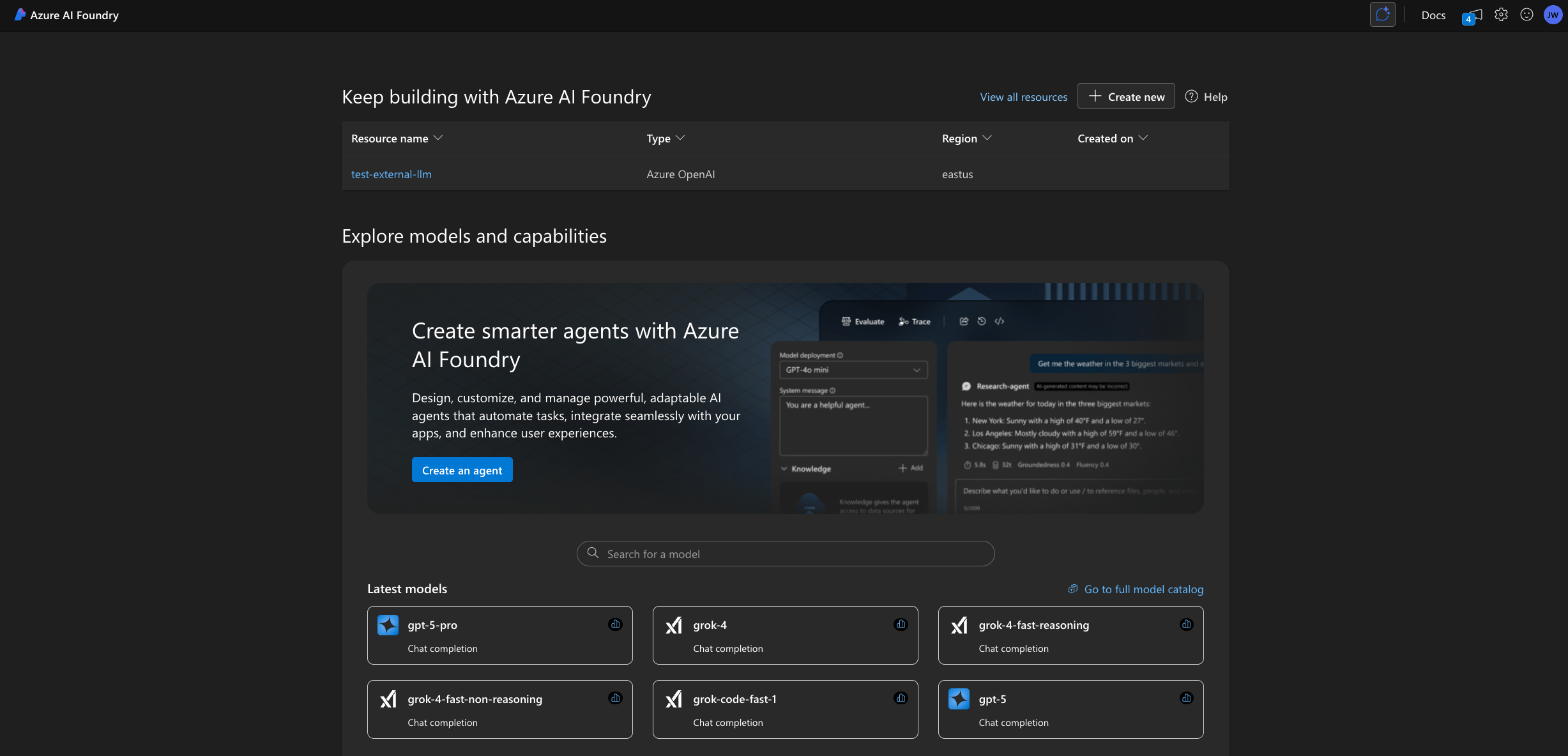
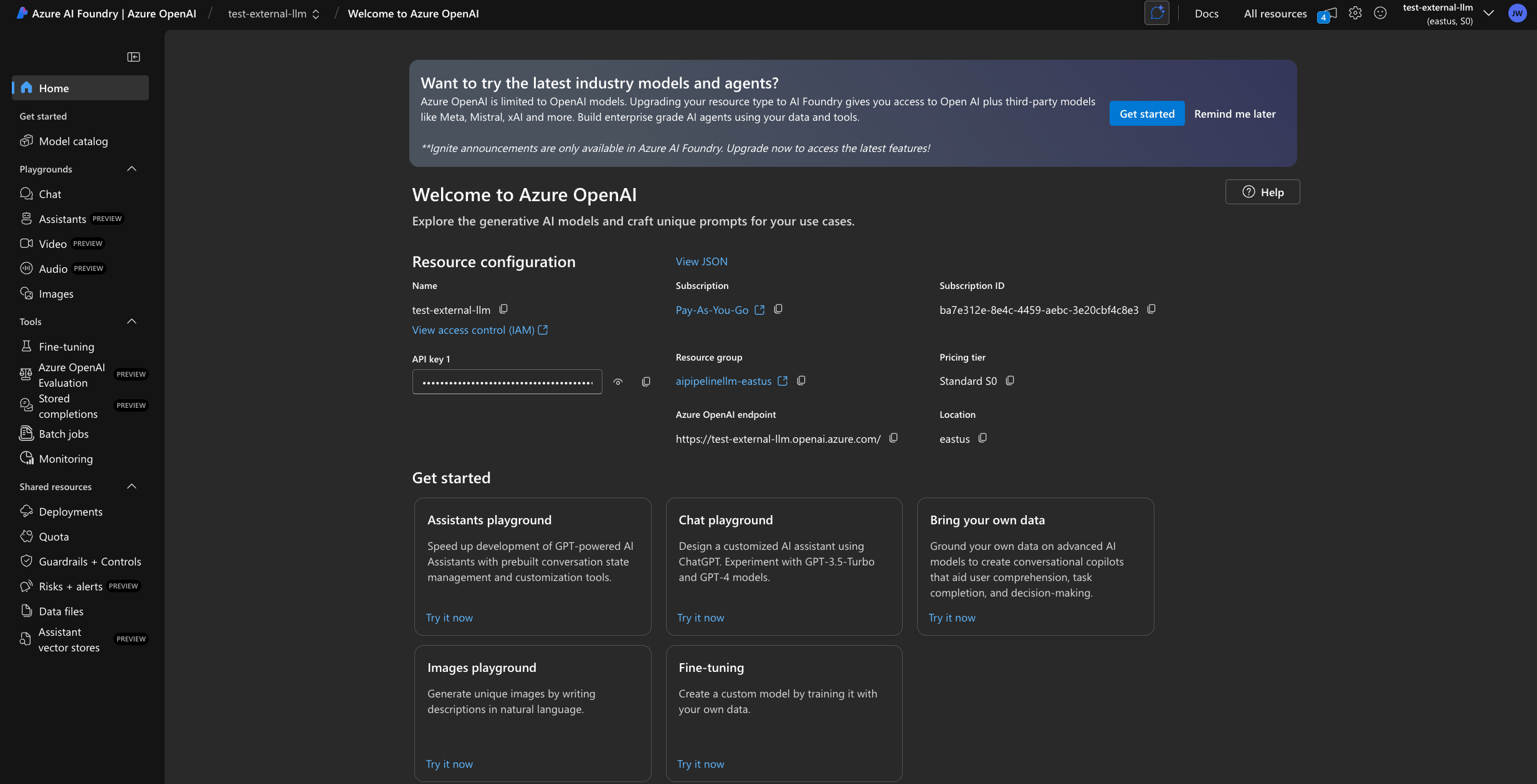
Agent tab, check Use Custom LLM.
Input the endpoint URL as the Base URL and append /openai/v1 and create a new Integration Secret with your API Key.
You will see a dropdown of all possible Azure models but only ones that you have deployed will validate an LLM connection.
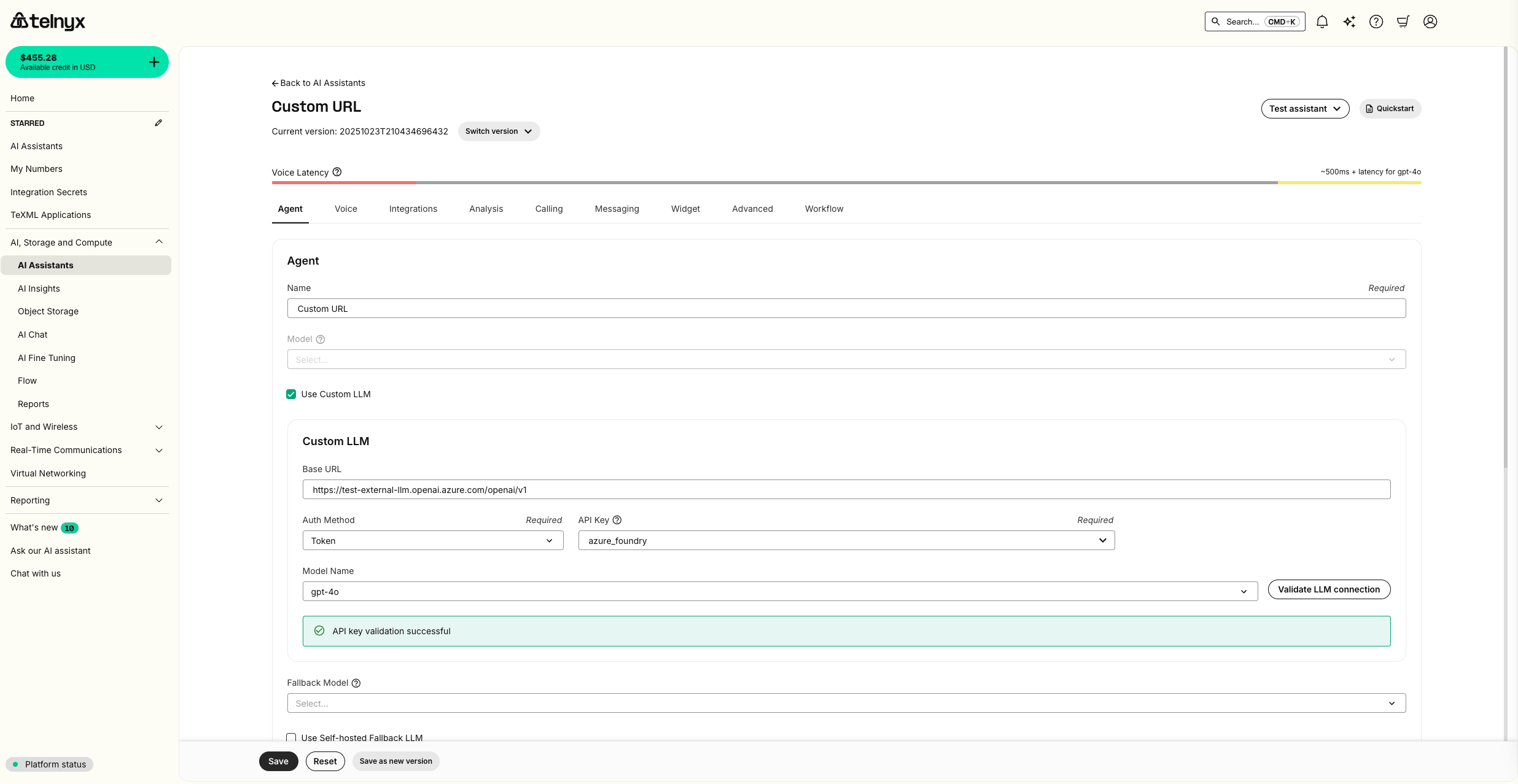
Test Assistant dropdown.
Forward metadata to your custom LLM
By default, Telnyx does not include your assistant’s dynamic variables in requests to a custom LLM endpoint. If your model gateway or application needs those values, enableforward_metadata on the assistant’s external_llm configuration.
forward_metadata is true, Telnyx adds a top-level extra_metadata object to the OpenAI-compatible chat completions request body sent to your custom LLM endpoint when dynamic variables are available. The field defaults to false when omitted.
extra_metadata is separate from OpenAI’s native metadata field, so your endpoint must explicitly read extra_metadata from the request body.
Baseten
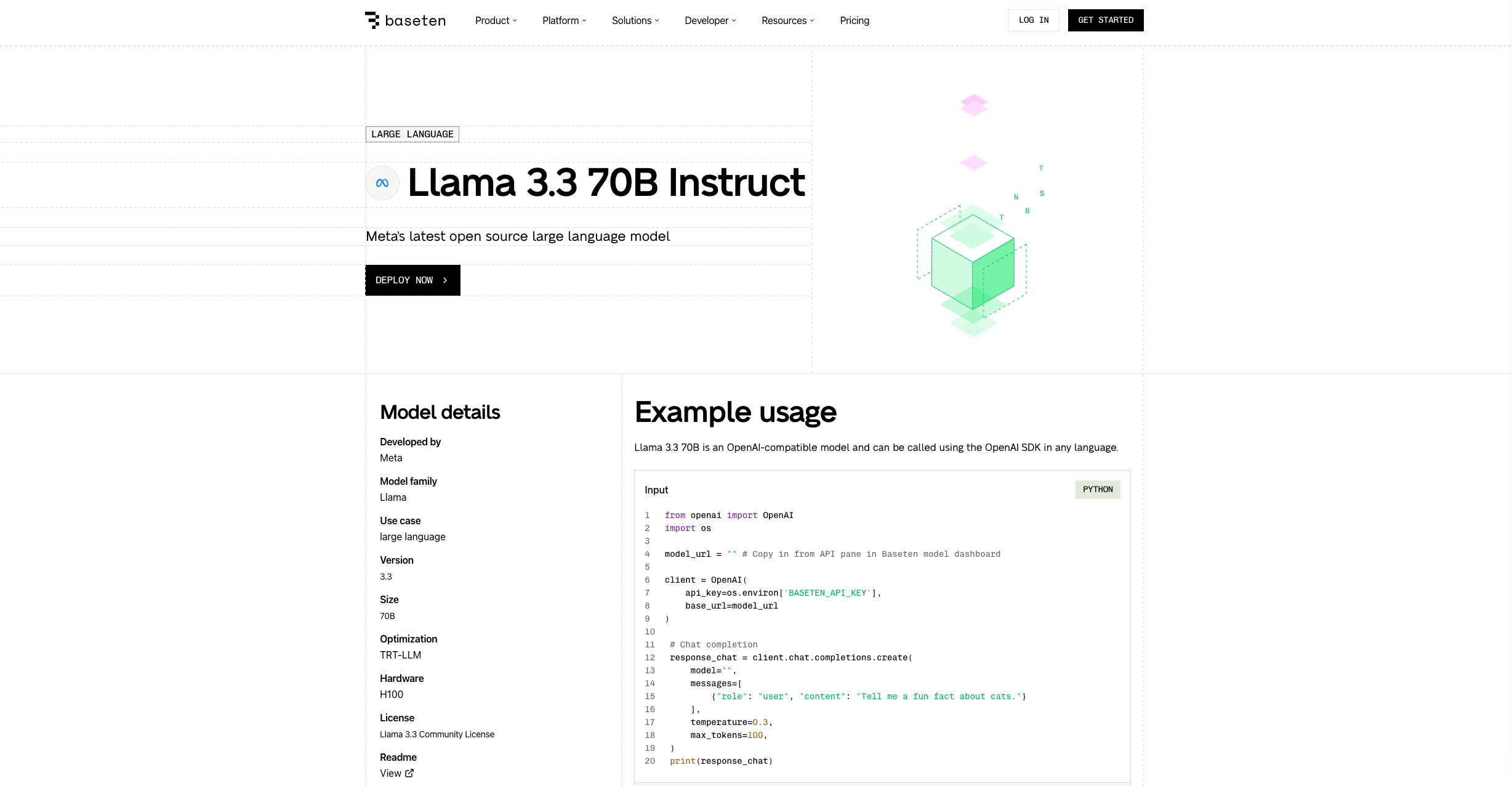
For this guide, we will deploy Llama 3.3 70B on Baseten. First, clickDeploy Now.
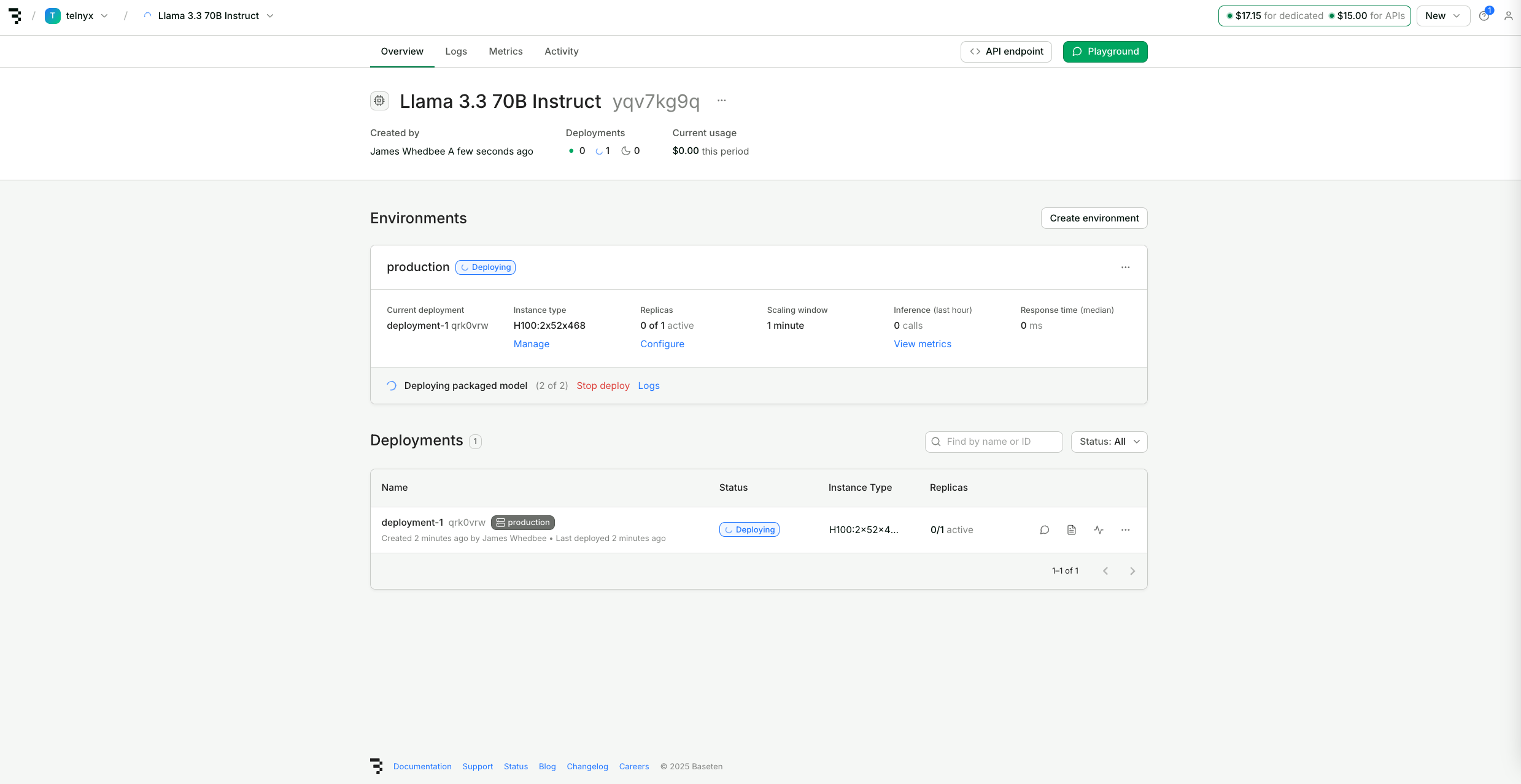
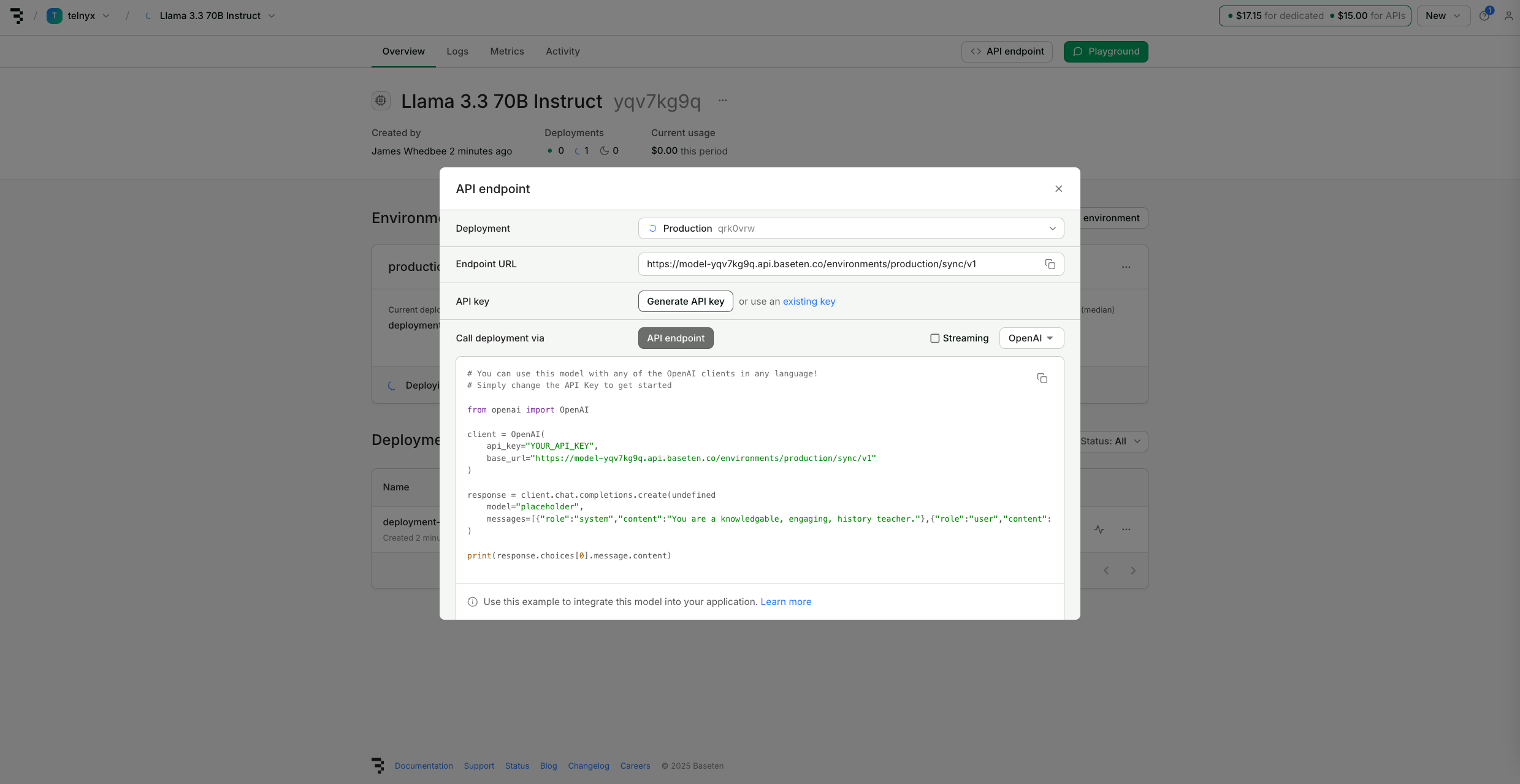
Agent tab, check Use Custom LLM.
Input the Baseten Endpoint URL for your deployment as the Base URL and create a new Integration Secret with your Baseten API Key.
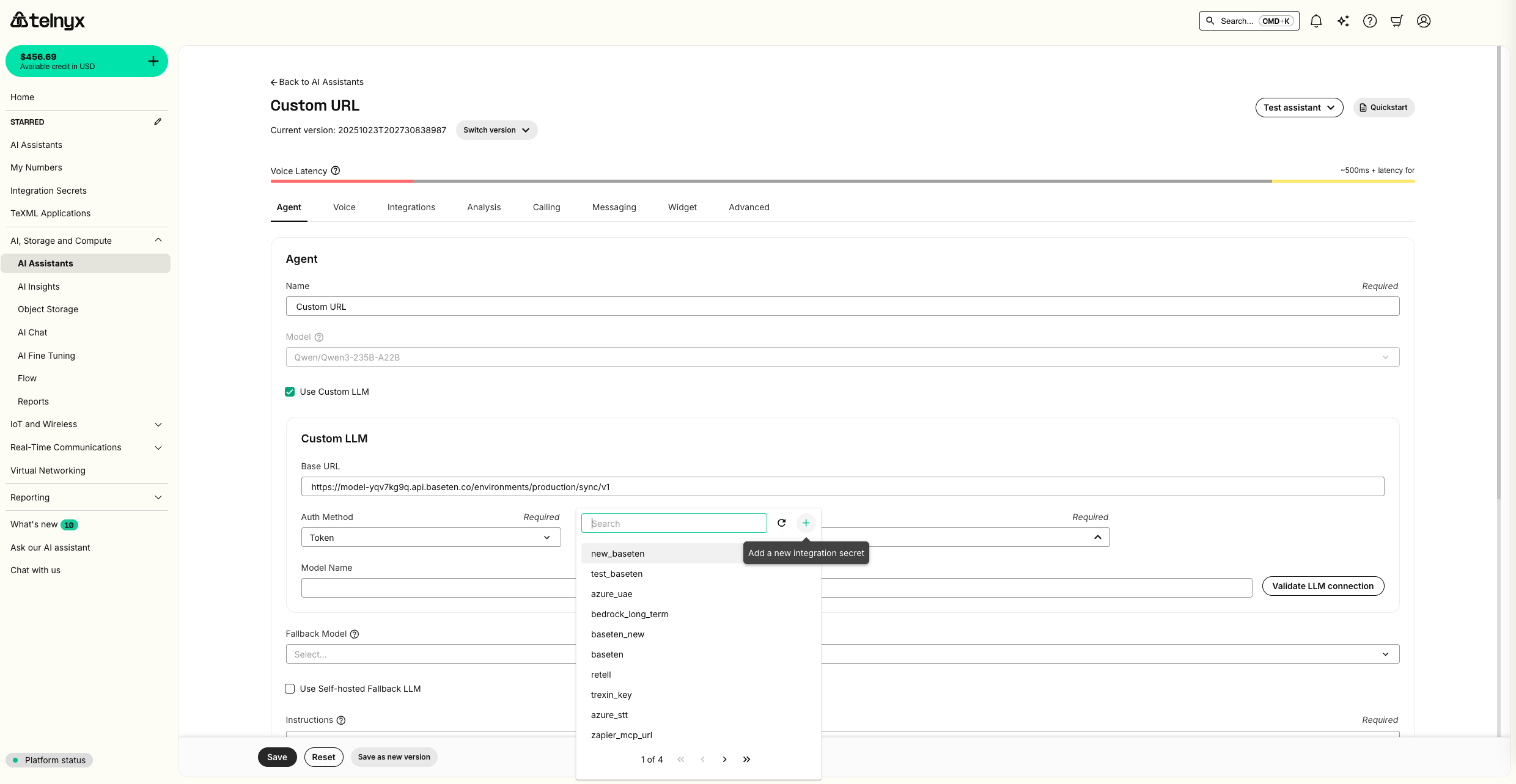
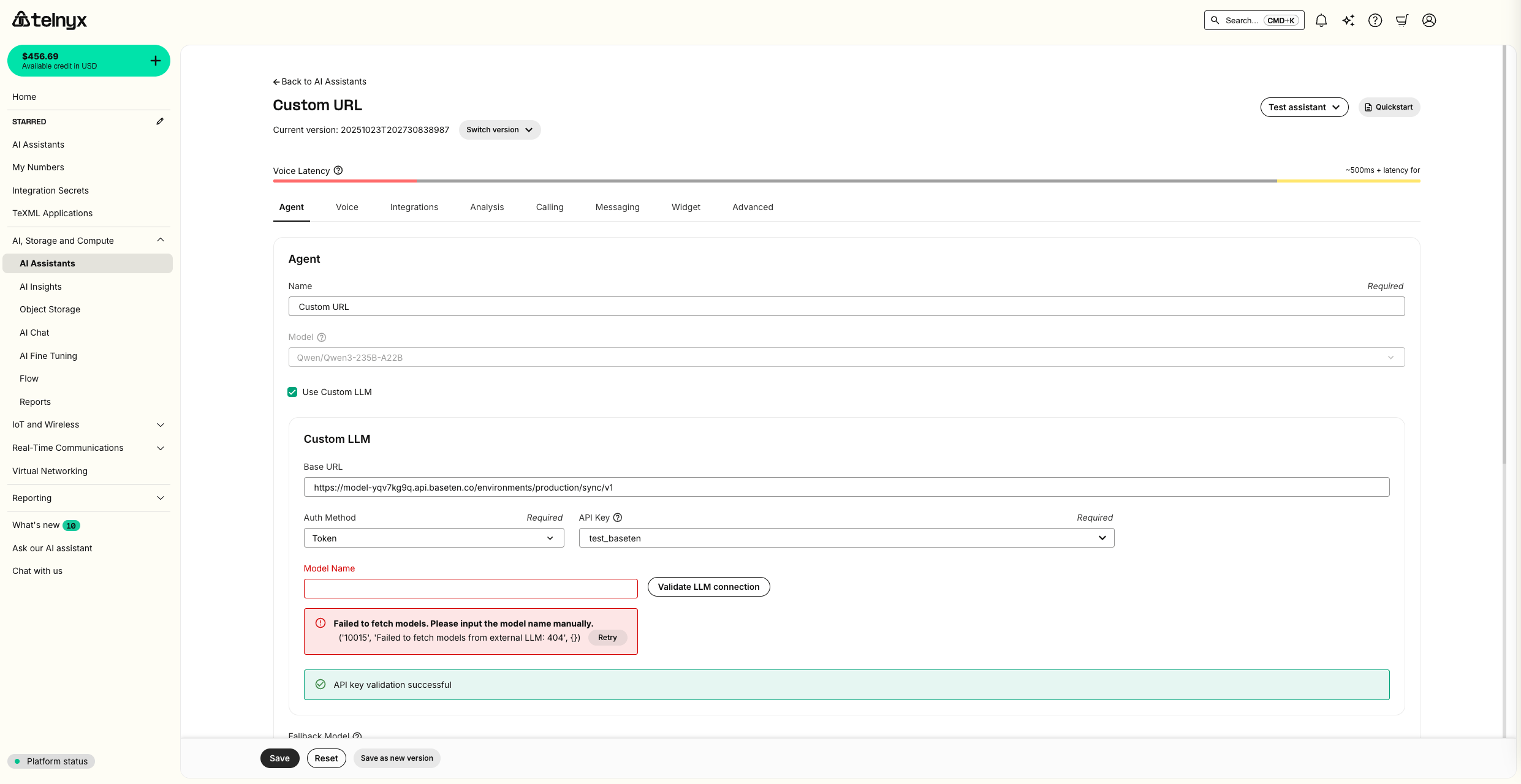
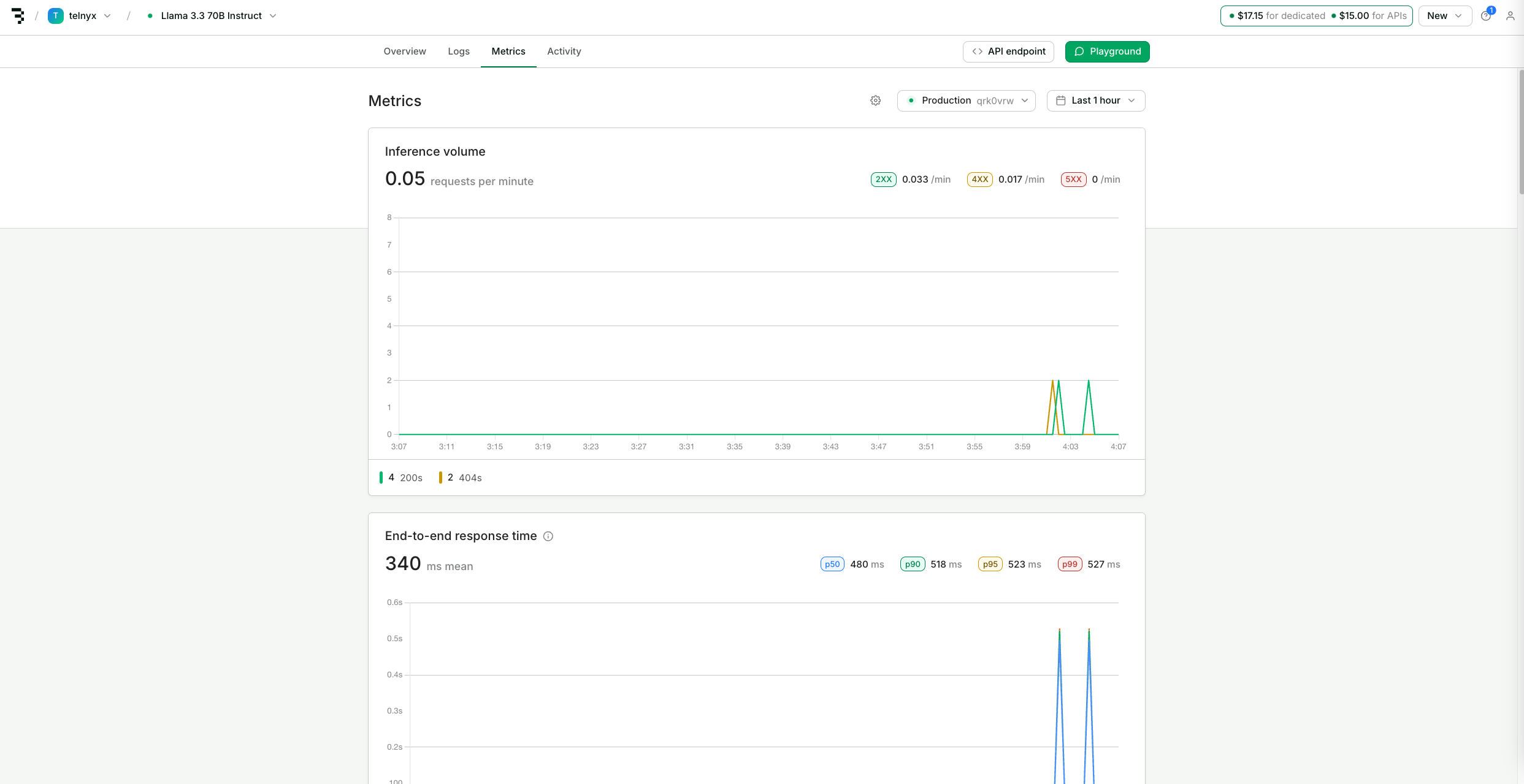
Test Assistant dropdown as well as review metrics in your Baseten deployment.